




Most people play Charger City Driver for twenty minutes without realising two things: you can get out of the car and walk around, and your fuel actually runs out.
Here's the complete control scheme for both driving and on-foot mode, every challenge type in the city, and how the money system really works.
What Is Charger City Driver?
Charger City Driver is a free 3D open-world driving game by Fuego!Games, first released on September 2, 2025. It runs in your browser with no download.
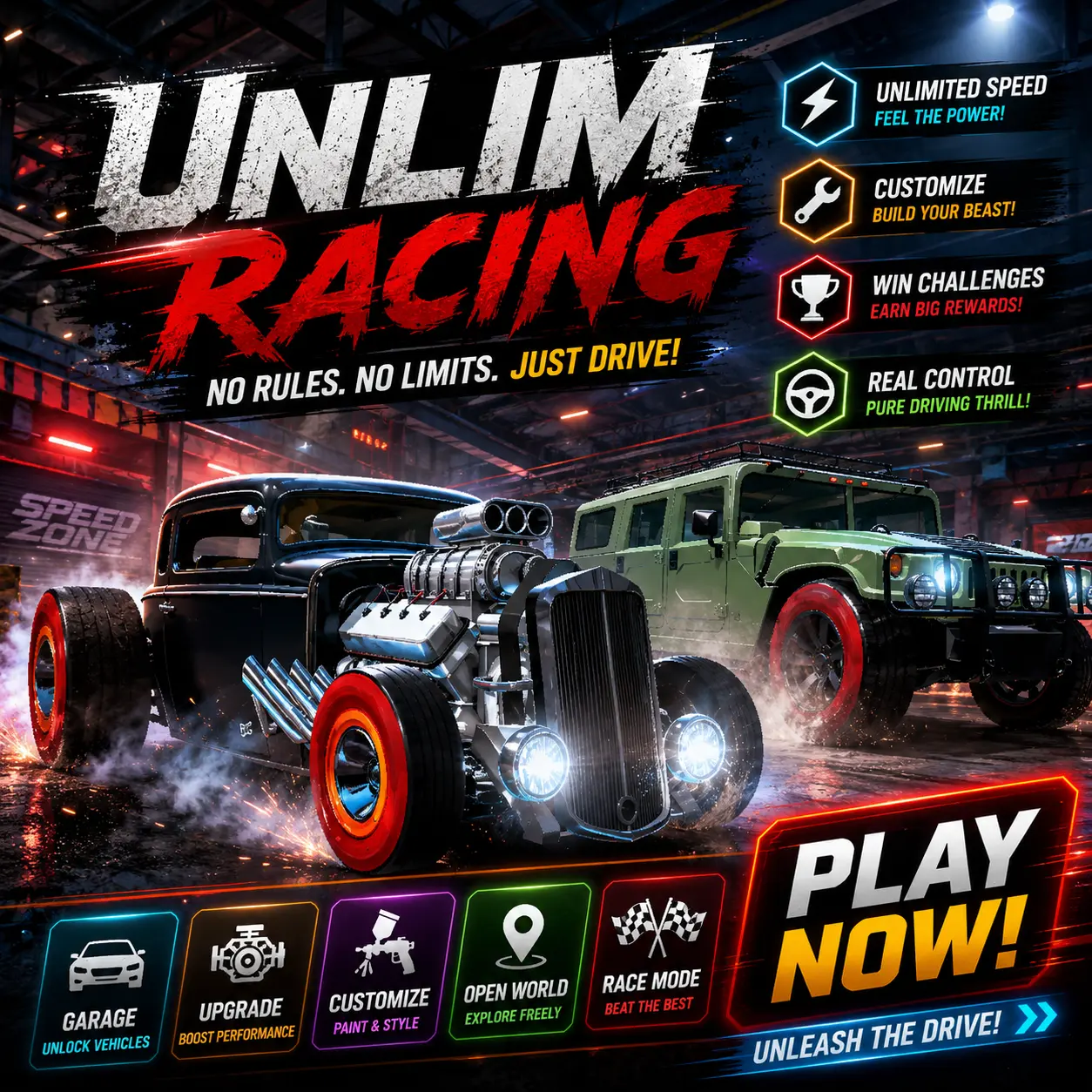
You get a glossy red muscle car and a night-time city to explore. Neon lighting, wide streets, ramps, and traffic. Scattered across the map are challenge triggers you can drive into whenever you feel like it — there's no forced mission order and no story.
You also get a dog as a passenger on missions, which is an odd touch for a street-racing game and one of the more charming things about it.
Complete Controls
While driving
Action | Key |
Drive, steer, brake | Arrow Keys or WASD |
Nitro boost | F |
Switch camera angle | C |
Get out of the car | E |
While on foot
Action | Key |
Move | Arrow Keys or WASD |
Look around | Mouse |
Jump | Spacebar |
Get back in the car | E (stand close to it first) |
On nitro: the key is F. You may see a page telling you it's Left Shift — it isn't. If nitro hasn't been working for you, that's why.
The on-foot mode nobody mentions
Press E and you climb out. You can then walk the city, look around with the mouse, and jump with Space.
This is genuinely useful, not just a novelty:
Scout a stunt before you attempt it. Park near a ramp, get out, walk up and see exactly where the yellow circle sits and what angle you need.
Get unstuck. If you've wedged the car somewhere awkward, getting out and back in often resets you cleanly.
Explore properly. Parts of the map are easier to look at on foot than at 60mph.
To get back in, walk right up to the car and press E again. Standing too far away does nothing, which trips people up.
Every Challenge in the City
There are four main mission types plus a bonus trigger scattered around the map. You start them by driving into the marker.
Drift Mode — Rack up a target number of drift points before the timer expires. Long, held slides score far better than lots of short ones, so find a wide street or an empty junction and commit to a single long drift rather than flicking the car about.
Police Mode — Escape a police chase and stay ahead of them until the timer runs out. You don't have to lose them permanently, just survive the clock. Straight-line speed with nitro works better here than clever cornering, because tight turns let police cut the corner and close on you.
Jumps — Hit the ramps and try to pass through the yellow circle in mid-air. The circle is the target, not distance. Approach speed is everything: too fast and you sail over it, too slow and you drop under it. This is the challenge most worth scouting on foot first.
Drift Triggers — Blue gates dotted around the map. You need a minimum amount of drift points already banked before you skid through one, so start your drift well before the gate rather than at it. Arriving at a blue gate with zero points does nothing.
There's a fourth mission type built around hitting specific marked pedestrians while police pursue you. It's cartoonish and non-graphic, but it's worth knowing it's in the game — see the parental note in the FAQ below.
The Money System (and Why You'll Run Out of Fuel)
This is the mechanic that catches people out.
Completing challenges earns you money. Most guides say it's for upgrades and customisation — and it is, partly. But money also covers two running costs:
Refuelling your car
Repairing damage
Your car uses fuel and takes damage as you drive. Cruise around the city long enough without earning anything and you'll find yourself low on both.
Practical approach: do a couple of easy challenges before you go exploring. Drift Mode and Jumps are the quickest earners and don't cost you much damage. Build a small buffer, then go and mess about. Chasing a difficult mission repeatedly while running on fumes and a beaten-up car is how a session ends early.
Repairs matter more than they sound, too — a damaged car handles worse, which makes drift targets and jump circles harder to hit, which earns you less money. It's easy to slide into a spiral.
Upgrades and Customisation
Money also goes into your muscle car. There are performance upgrades and visual customisation, so you can improve how the car drives and change how it looks.
Worth prioritising performance first. A faster, better-handling car makes every challenge easier and therefore pays for the cosmetic stuff later. Buying paint before power feels good for about five minutes.
Tips That Actually Help
Use nitro on straights, not corners. F gives you a hard shove of speed. Fired mid-drift it'll straighten you out and kill your points; fired into a corner it puts you into a wall. Save it for long roads and police escapes.
Cycle your camera with C early. Different challenges suit different views. A closer camera helps you judge drift angle; a wider one helps you line up jumps and spot police.
Bank drift points before blue gates. Drift Triggers check your existing points. Begin your slide a good distance before the gate.
Scout the big jumps on foot. Thirty seconds of walking beats ten failed attempts.
Do the easy missions first. Money in the bank means fuel and repairs aren't an emergency.
Common Problems
Nitro isn't working. The key is F, not Left Shift.
I can't get back in my car. You need to be standing right next to it before pressing E. Walk closer.
My car keeps slowing down / handling badly. Check your fuel and damage. Both degrade over a session and both cost money to fix.
I drove through a blue gate and nothing happened. You didn't have enough drift points banked. Start drifting earlier.
I keep missing the yellow circle on jumps. It's about approach speed, not maximum speed. Try the same ramp slower and see where you land.
Keyboard doesn't respond. Click once directly on the game window first. Browser games need focus before they register keystrokes.
It runs slowly. This is a 3D open-world build, so it's heavier than a simple arcade game. Close other tabs, especially video ones, and expect the first load to be the slowest.
Frequently asked questions
Is Charger City Driver free?
Yes — free in your browser, no download and no account needed.
Who made it, and when?
Fuego!Games, first released on September 2, 2025.
What's the nitro key?
F. Some listings say Left Shift; that's incorrect.
Can I get out of the car?
Yes. Press E to exit and walk around, then E again next to the car to get back in.
How many challenges are there?
Four main mission types, plus Drift Trigger gates scattered around the map.
What's the dog for?
It rides along as your passenger on missions. It's a bit of personality rather than a gameplay mechanic.
Do I need to manage fuel?
Yes. Money earned from challenges pays for refuelling and repairs as well as upgrades.
Is there multiplayer?
No. It's a single-player open-world game.
Does it work on mobile?
It's built around keyboard and mouse, so desktop is the reliable way to play. The on-foot mode in particular needs a mouse.