









Most players in PolyTrack only ever race their own best time.
That undersells the ghost system badly. You can pick a specific run off the leaderboard — someone else's exact lap — and chase it directly, watching where they brake later or carry more speed through a corner than you do. Up to 10 ghosts can share the track with you at once.
What Is PolyTrack?
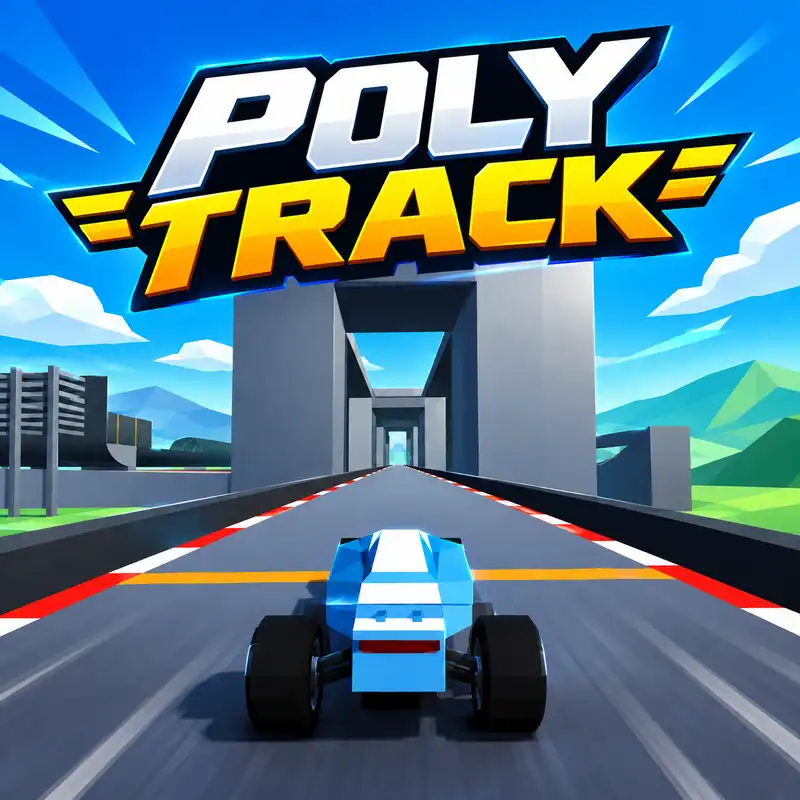
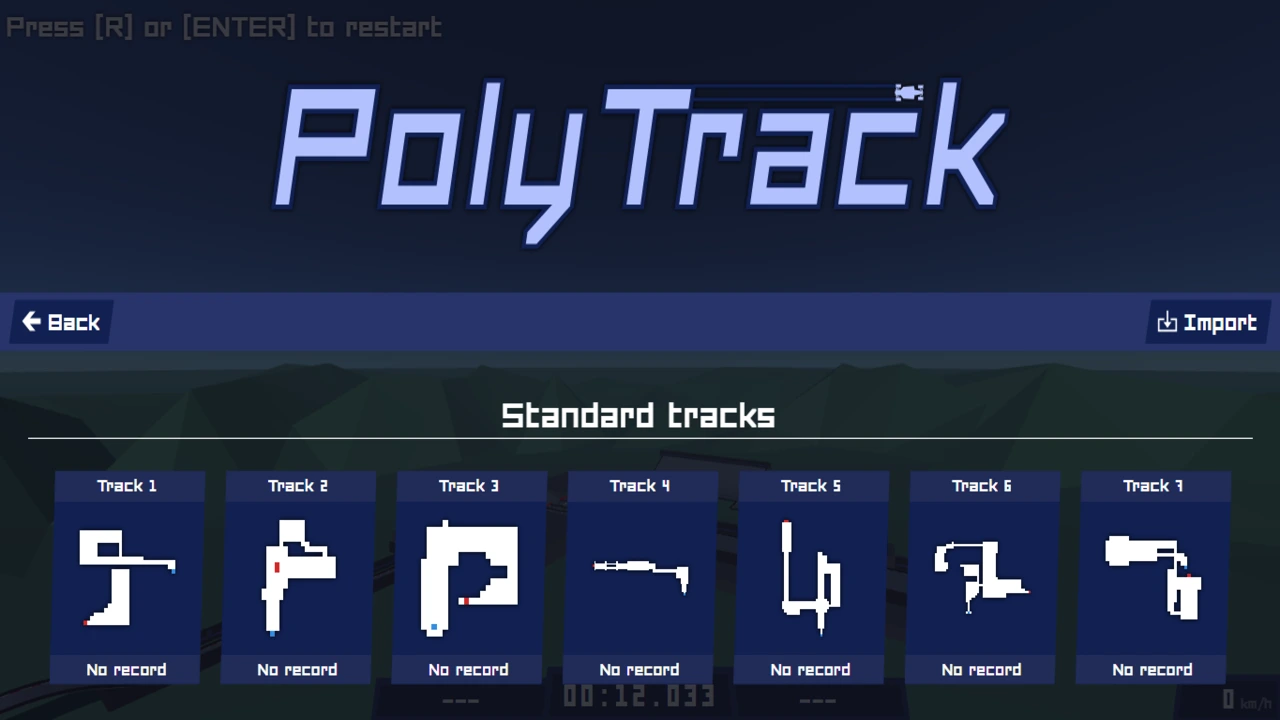
PolyTrack is a free low-poly time-trial racing game made by a solo developer known as Kodub. It's built with Three.js and the Bullet physics engine, and runs directly in your browser with no download.
The idea is simple: drive a low-poly car through short tracks with loops, jumps, tight corners and drops, and finish as fast as you can. There's no field of AI racers — you're up against the clock, your own best time, and other players' recorded ghosts.
Controls
Action | Key |
|---|---|
Accelerate | W or Up arrow |
Brake / reverse | S or Down arrow |
Steer left | A or Left arrow |
Steer right | D or Right arrow |
Restart | R or Enter |
Cockpit camera | C or M |
Touch controls are supported too — the game officially lists smartphone and touchscreen input alongside keyboard.
Pick a Specific Ghost, Not Just Your Own
This is the feature most write-ups flatten into "there are ghost replays."
You can select a specific opponent's run straight from the leaderboard and race it directly — not a vague rival, an exact recorded lap from a real player. You can also race, or simply watch, up to 10 ghosts at the same time.
How to actually use this: don't default to racing your own best time over and over. Pull a run from someone a few seconds quicker than you and watch precisely where they brake later, hold more speed through a corner, or take a jump differently than you do. A specific faster ghost tells you exactly where your lap is losing time — your own replay just shows you your own mistakes without a comparison.
The Track Editor Has Real Tools Behind It
Placing blocks uses the mouse — left-click to place, middle-click to rotate your view, right-click to pan, Shift plus the scroll wheel to move up or down, and R rotates the part you're currently placing.
The camera also has dedicated keyboard control, confirmed in the developer's own changelog: arrow keys or WASD move the view directly, so you're not stuck wrestling the mouse for an angle on a fiddly piece of track.
Real editing tools exist too — undo and redo, cut, copy and paste, and a delete hotkey (X or Delete) for clearing a mistake. None of that is obvious on a first look at the editor, and it's the difference between fiddling with placement and genuinely iterating on a design.
Finished tracks export as short codes for sharing or importing — confirmed by the developer's own note about how those codes are encoded to avoid character conflicts, which is how community-built courses spread without a central marketplace.
Driving Technique
Brake before a tight corner, not inside it. With the Bullet physics engine running the car's handling, braking mid-turn unsettles the vehicle more than easing off beforehand — this is a general driving habit worth carrying into any physics-based racer, not a PolyTrack-specific number.
Use the checkpoint split-time display, confirmed as a real feature in the developer's changelog, to see exactly how far ahead or behind your chosen ghost you are at each checkpoint. That tells you which section of a lap is actually costing you time, rather than guessing.
Set your landing angle while you're still airborne, not after you've touched down. A jump you're still adjusting for on landing tends to end rougher than one you've already settled before the wheels come down.
Tips That make you play better
Chase a specific leaderboard ghost, not just your own best time.
Check your own settings menu for a checkpoint respawn option rather than assuming a fixed key handles it.
Use the editor's keyboard camera controls if the mouse feels clumsy for framing a piece.
Export a track code before closing the editor if you've built something worth keeping.
Watch the checkpoint split-time display to find exactly where a lap is losing time.
Problems faced by Players and solutions
I can't find a checkpoint-respawn key. It may need enabling in your settings menu first, and the exact key can differ between the official site and other hosting portals. Check your options rather than assuming one universal key.
My best time doesn't feel like an honest lap. If you've been using checkpoint respawns, run the track once more from a completely fresh start for a clean comparison.
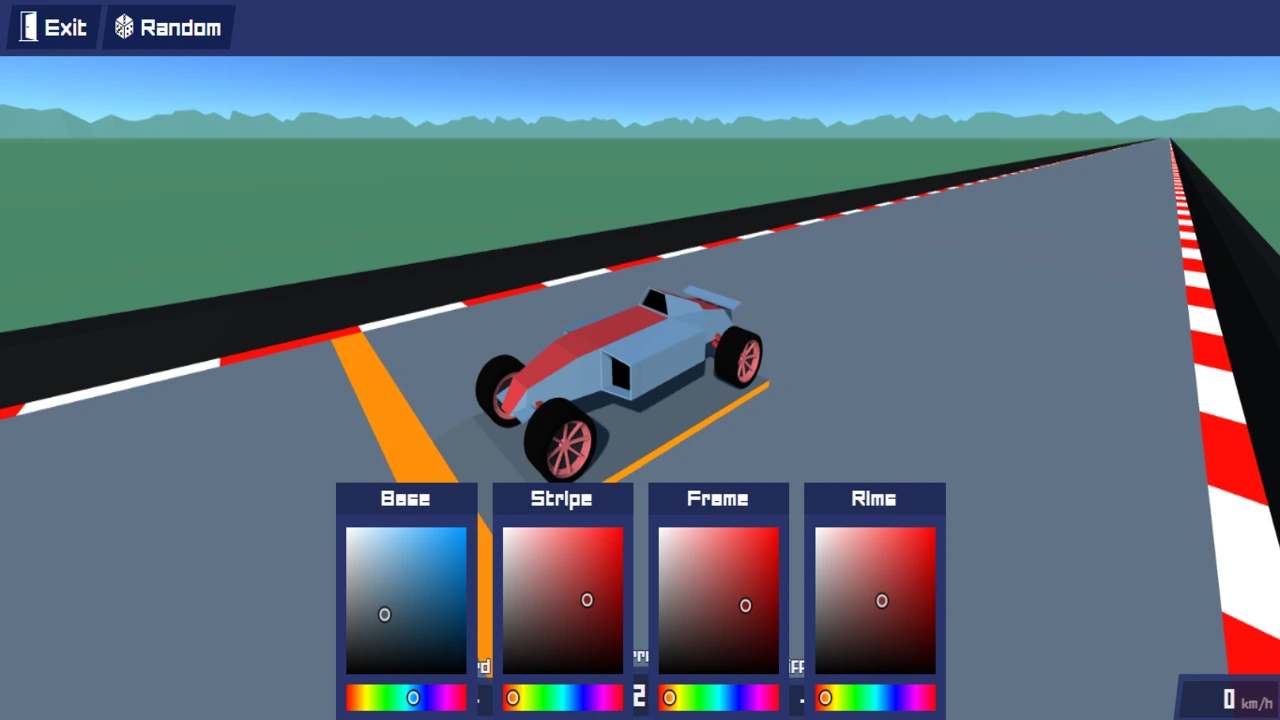
I can't find "Customization." It was renamed to Garage in a later update.
The editor camera is awkward with the mouse. Use the arrow keys or WASD to move the camera directly instead.
I don't see real multiplayer, only ghosts. Server-based multiplayer was added later in the game's development, in the same update as car customization — make sure you're on a current version.
Which ghost should I race? Pick one from the leaderboard a little faster than your own time, rather than always defaulting to your personal best.
PolyTrack rewards players who dig past the obvious controls. Racing your own ghost is fine; picking a specific faster run off the leaderboard and figuring out exactly where it beats you is a far better way to actually improve.
Frequently asked questions
Is PolyTrack free?
Yes — free to play in your browser, with downloadable versions also available for Windows, macOS, Linux and Android.
Is there real multiplayer?
Yes, added in a later update alongside car customization.
Can I race against a specific player's ghost?
Yes — select an opponent directly from the leaderboard, and race or watch up to 10 ghosts at once.