








Drive Monster gives you two inputs — accelerate and brake — and then spends thirty levels proving that's plenty.
It looks like a monster truck racing game. It isn't. There's no timer, no opponents, and no finish position. It's a physics puzzle wearing a monster truck costume, and the players who treat it like a race are the ones who spend twenty minutes stuck on level six.
Here's how it actually works, and how to stop flipping.
What Is Drive Monster?
Drive Monster is a free browser game built by developer Redjoyreza on the Fancade platform — confirmed on Fancade's own featured-games list. It runs on HTML5/WebGL, so it works instantly in a browser on desktop, mobile, and tablet with no download.
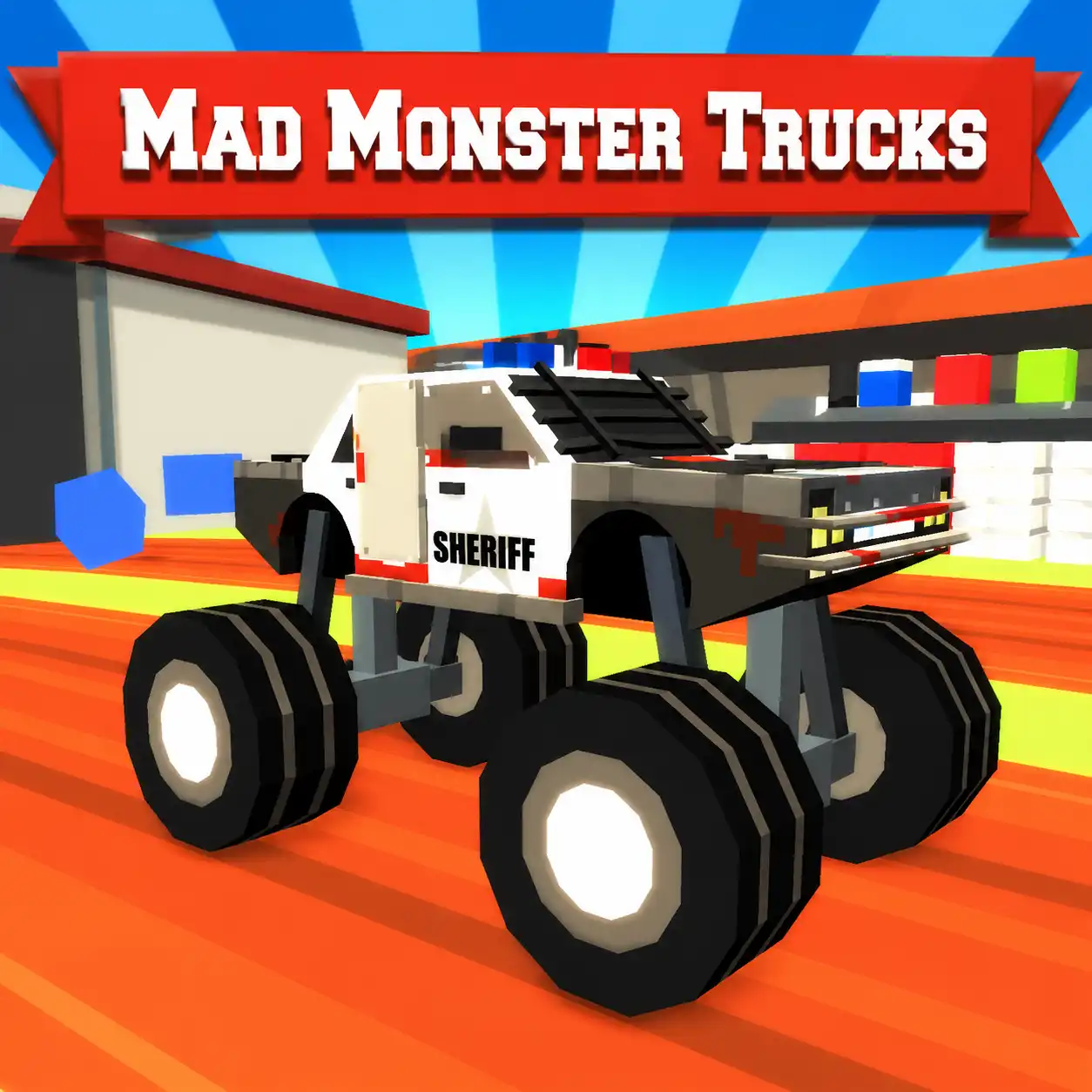
The look is chunky, blocky, and cartoonish, with a fixed camera that follows your truck from the side rather than putting you in the cab. The original Fancade version appeared in 2022, and browser ports spread widely from January 2023 onward.
You drive a monster truck through 30 levels of broken roads, rickety bridges, tall platforms, steep ramps, and gaps. The goal on every level is the same: reach the finish line with your truck still upright and intact.
It's rated suitable for ages 6 and up, and there's no violence — just a lot of trucks landing badly.
Controls
The control scheme is deliberately tiny.
Platform | Accelerate | Brake / reverse |
Desktop | Up arrow or W | Down arrow or S |
Mobile / tablet | Hold the right side of the screen | Hold the left side of the screen |
That's it. You cannot steer. There's no left or right input, no jump button, no handbrake. Your truck goes forward or it slows down, and everything else is physics.
This is the single most important thing to understand about the game. Since you can't steer out of trouble, the only variable you control is how fast you're going at any given moment — and that's what every level is built around.
Why You Keep Flipping
Almost every failure in Drive Monster comes down to one of four things:
1. Landing nose-down or tail-down. Your truck rotates in the air. Hitting a ramp at the wrong speed sets a rotation you can't cancel, and you land on your roof.
2. Too much speed into a ramp. Excess speed launches you further and rotates you faster. It's the most common cause of a bad landing.
3. Too little momentum on a climb. Approach a steep incline too slowly and you'll stall halfway up, roll backwards, and flip.
4. Getting stuck. Land wedged between platforms or upside down in a ditch and the level is over — you'll need to restart.
Notice that two of these are caused by too much speed and one by too little. That tension is the game.
The Core Technique: Throttle Control in the Air
Here's the mechanic that most players never discover, and it changes everything.
Your throttle affects your truck's rotation while airborne. When you're in mid-air:
Holding accelerate spins the wheels forward, which tends to rotate the nose upward (backwards).
Braking tends to bring the nose back down (forward).
This means a jump isn't over the moment you leave the ramp. You can still adjust your landing angle in flight.
The practical rule: if you're going to land nose-first, tap accelerate to lift the front. If you're falling tail-first, tap brake to bring the nose down. Aim to land with all four wheels roughly level, or with the front wheels touching down just slightly first.
Practise this on an easy early level where the jumps are forgiving. Once airborne throttle control becomes instinctive, levels that felt impossible become routine.
Level Strategy
Look before you drive
Every level shows you the terrain before you move. Use that. Spend a few seconds identifying:
Where the gaps are, and how long each one is
Where the steep climbs are (these need momentum built beforehand)
Where the tight landings are (these need low speed)
Where the mud is — falling into mud can disable your truck entirely
Drive Monster is a game you should solve in your head before you solve it with your hands.
Build momentum on the flat, not on the ramp
For long jumps and steep climbs, the speed has to be built on the flat run-up before the obstacle, not on the obstacle itself. Flooring it at the base of a ramp doesn't work — there isn't enough distance to accelerate.
Slow down for tight landings
If a jump ends on a small platform, arriving fast means overshooting the far edge. Brake before the ramp so you launch shorter and land soft. Slower is often the correct answer, which is counterintuitive when you're driving a monster truck.
Feather the throttle on bridges
Rickety bridges and narrow platforms punish sudden inputs. Steady, moderate throttle keeps your suspension settled. Stabbing the accelerator makes the truck bounce, and a bouncing truck is a flipping truck.
Restart early
If a jump has clearly gone wrong mid-air, don't wait to see how it ends. Restart immediately. Levels are short and restarts are quick — the fastest way to progress is more attempts, not longer ones.
Learning Each Level Through Repetition
Levels are designed to be failed. The intended loop is: attempt, fail, notice one thing, adjust, repeat.
Because each level is short, one run costs you seconds. This makes Drive Monster ideal for short sessions — you don't need a long stretch of time to make real progress, and every attempt teaches you something specific about a ramp's angle or a gap's length.
Rather than replaying blindly, change one variable per attempt. If you overshot, try braking slightly earlier. If you stalled on a climb, start your run-up further back. Random retries waste attempts; deliberate ones solve levels.
Common Problems
I can't turn my truck. You're not supposed to. There's no steering in Drive Monster — the route is fixed and speed is your only control.
My truck lands upside down every time. You're carrying too much speed into ramps, and you're not adjusting rotation in the air. Brake before the ramp, then use throttle taps mid-air to level the truck out.
I stall halfway up hills. You need more run-up. Build speed on the flat section before the climb rather than at its base.
My truck stopped moving in a muddy section. Mud can disable your truck. Momentum is the only defence — carry enough speed to get through rather than crawling into it.
Keyboard doesn't respond. Click once directly on the game window first. Browser games need focus before they register keystrokes.
It runs slowly on my laptop. The blocky graphics are lightweight, so stutter is usually a browser issue. Close other tabs, especially video ones.
Frequently asked questions
Is Drive Monster free?
Yes — free in a browser, with no download and no account needed.
How many levels are there?
30 levels, each one harder than the last.
Who made it?
Developer Redjoyreza, built on the Fancade platform.
Can I steer the truck?
No. The only controls are accelerate and brake. Everything else is physics.
Does it work on mobile?
Yes. On touchscreens, hold the right side of the screen to accelerate and the left side to brake.
Is there a timer or a score?
No. There's no clock and no opponents. The only objective is reaching the finish line intact.
What happens when I crash?
The level restarts. Restarts are quick and you keep your level progress, so failing costs you almost nothing.
Is it suitable for kids?
Yes. It's rated for ages 6 and up, with cartoon block graphics and no violence.